What Is an eSIM? Check Your Phone, Number, and Costs Before Buying an Overseas SIM
Hi, I’m Little Lark. Today, let’s keep talking about overseas SIMs 😊
On this page
- 1. 1. What Is an eSIM? Check Your Phone, Number, and Costs Before Buying an Overseas SIM
- 2. 2. What Does an eSIM Install?
- 3. 3. Check the Exact Device Before Ordering
- 4. 4. Choose Between a Digital and Physical SIM
- 5. 5. Separate the Purchase Price From Renewal Costs
- 6. 6. Why Order Through LarkSIM?
- 7. 7. Make the Choice on Your Own Phone
1. What Is an eSIM? Check Your Phone, Number, and Costs Before Buying an Overseas SIM
An eSIM removes the need to ship or swap a plastic card. It does not make every phone compatible, and it does not tell you whether a plan includes a phone number. Check the device, the carrier's delivery method, and the service terms before you order.
2. What Does an eSIM Install?
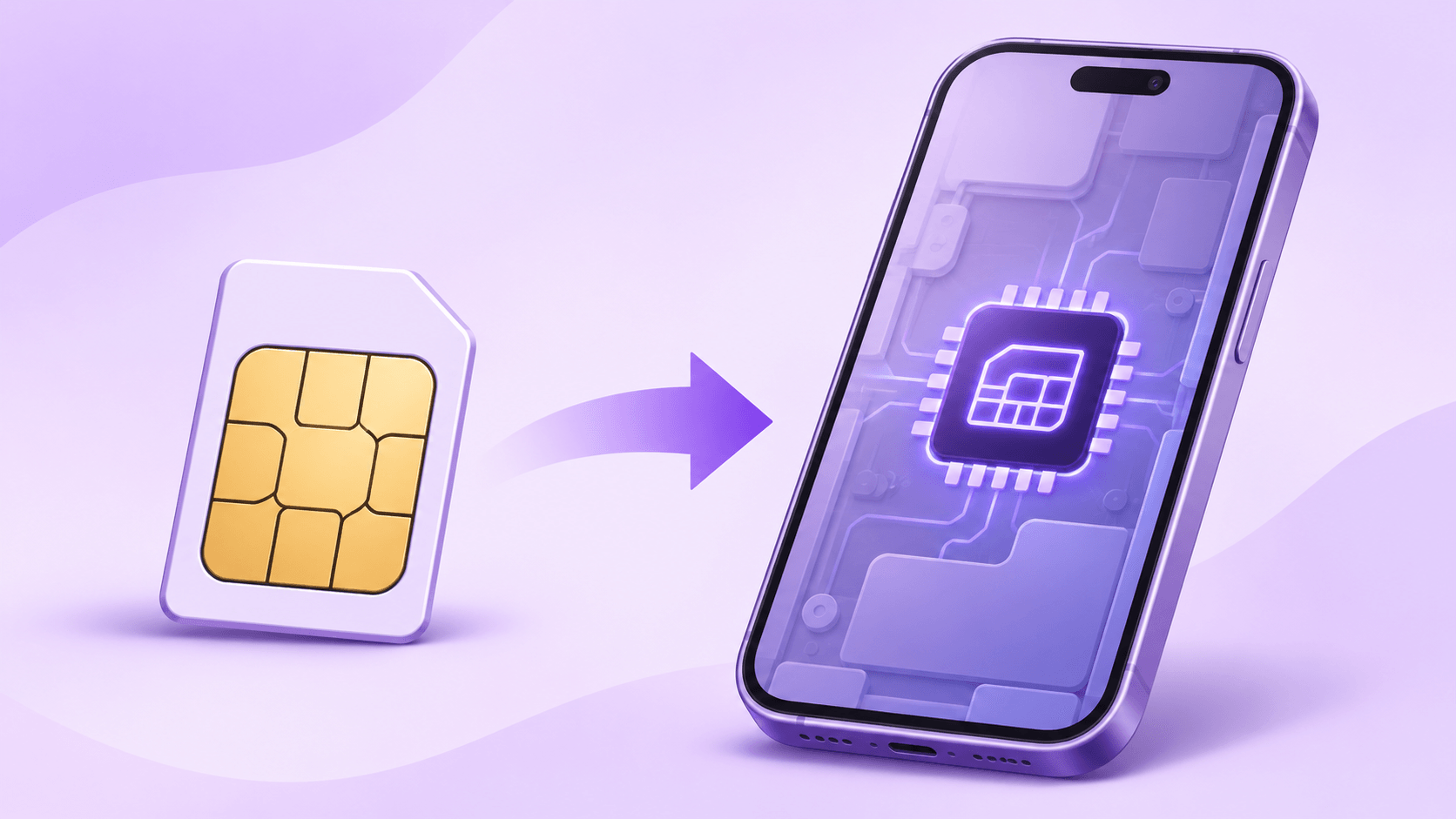
An eSIM is a programmable SIM built into the device. A carrier profile is downloaded over the internet, often using a QR code or an app. The carrier still assigns the number and controls the plan. A travel data-only profile does not gain voice and SMS merely because its delivery is digital. A profile visible in the phone's settings shows that installation has progressed; calls and texts also depend on the line being active. Apple, Google, and Ultra Mobile describe different parts of this process: a phone having eSIM hardware, the exact model accepting the carrier profile, and the number being activated are three separate checks.
3. Check the Exact Device Before Ordering
On an iPhone, look for an EID under Settings, General, About. Apple's general eSIM guidance starts with iPhone XS, XS Max, XR, and later. Models sold in mainland China have separate restrictions. Some Hong Kong and Macao models use two physical SIM slots. The model family alone does not settle compatibility. Check EID and the Add eSIM menu on the exact regional variant before ordering.
On a Pixel, check Settings, Network & internet, SIMs for the option to download a new eSIM. On a Samsung phone, check Settings, Connections, SIM manager for Add eSIM. Other Android phones vary by region and software version. Confirm that the phone is unlocked and supports the carrier's required network and Wi-Fi Calling features.
An iPhone sold in mainland China needs special attention before installing a foreign carrier eSIM. Some newer models support eSIM under Apple's mainland rules but cannot install a non-mainland carrier profile while in mainland China. Our guide to using an Ultra Mobile PayGo eSIM with a China-market iPhone and XeSIM X7 covers that separate physical-slot route.
4. Choose Between a Digital and Physical SIM
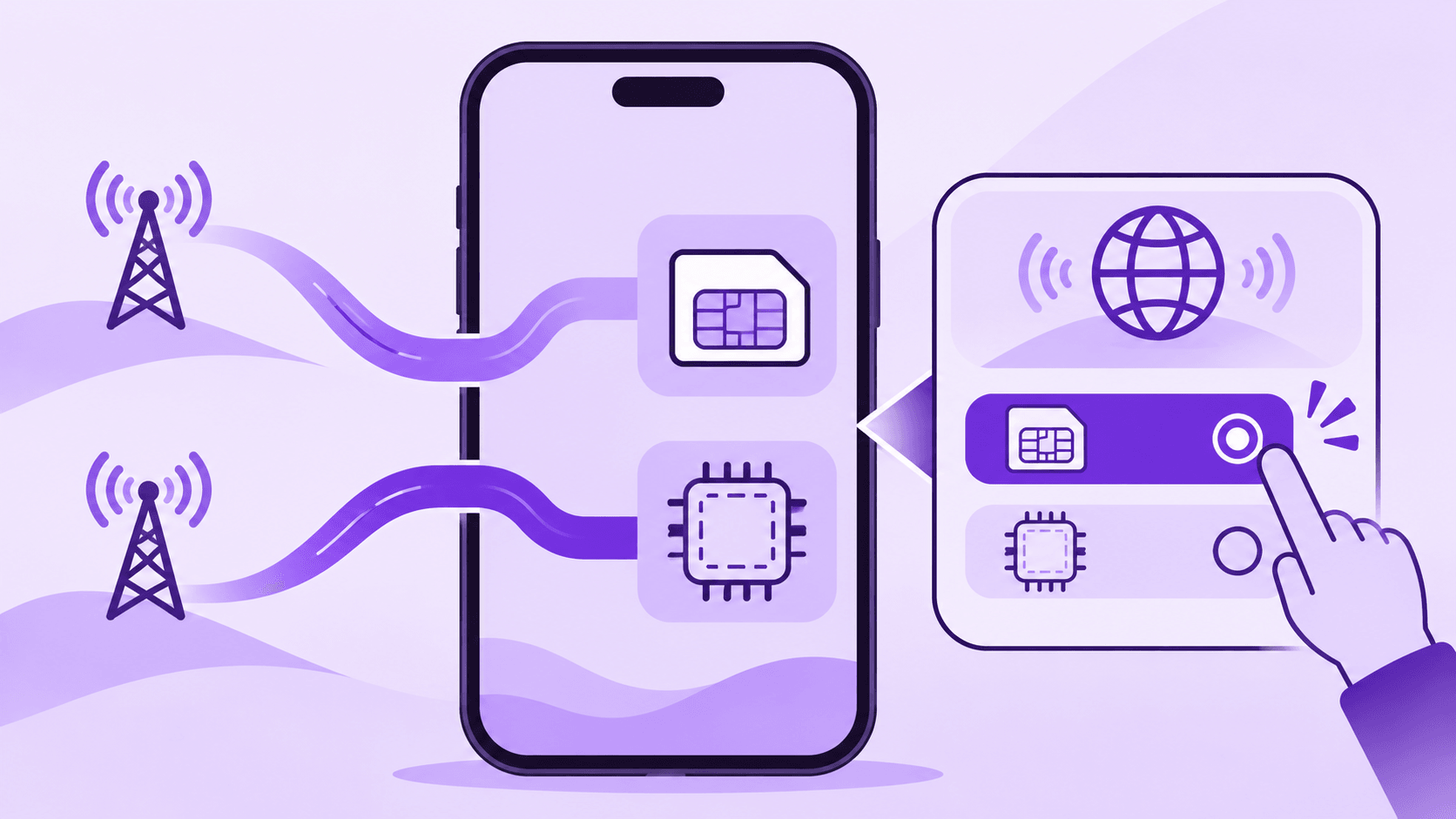
If the phone supports the carrier eSIM directly, digital delivery saves shipping time and lets you keep the domestic card in place. Ask how to replace or transfer the profile before changing phones: the first QR code may work only once. Without an eSIM menu, a free physical SIM slot is often the simpler route. A dual-SIM China-market iPhone may need the separate X7 path and an available slot.
A short-trip data eSIM may offer data only. It may not give you a number for voice calls or SMS verification. For a long-term US number, check that the product includes calls and texts, how it works in your location, and what you must pay to retain the number. If your domestic SIM must stay active, check how many lines your phone can use at the same time and which line will provide mobile data.
Delivery methods also differ. One carrier may email a QR code, another may require its own app, and a third may support transfer between phones. Follow the method for the exact product. A giffgaff app-based eSIM flow does not become an Ultra Mobile email-QR flow simply because both products use eSIM.
A phone may store several eSIM profiles while allowing fewer active lines at once. Set the domestic SIM as the normal data line when that is your intent. A missing or reset phone also needs the carrier's recovery procedure; remembering an old QR code is not enough.
Moving phones is another practical difference from a removable SIM. An old QR code may not be reusable. Check the carrier's replacement and transfer procedure before resetting or selling the original phone.
5. Separate the Purchase Price From Renewal Costs
As checked on November 19, 2026, the Ultra Mobile PayGo eSIM at LarkSIM was listed at ¥389 and out of stock, with no replenishment date. The purchase price included assisted activation and the first $3 monthly plan. Subsequent base renewals are $3 every 30 days; 12 further cycles total $36 before any extra usage. The RMB amount of future payments depends on the exchange rate and payment method.
The ¥389 purchase is not a one-year price. Extra call, text, or data usage can add charges, and the RMB cost of later US-dollar renewals can vary. The product is currently sold out, with no confirmed restock date.
The PayGo eSIM provides a US +1 number on the T-Mobile network. Its plan has allowances for calls, texts, and data, with additional usage governed by the carrier's terms. In mainland China the product page directs users to Wi-Fi Calling for texts and says local cellular data is unavailable. A compatible phone is only one part of a working setup.
6. Why Order Through LarkSIM?
LarkSIM's assisted service means support activates the number and pays the first month before sending the installation QR code to the order email. Future renewals can be handled through Ultra Mobile or with LarkSIM support. Keeping the number requires following the renewal rules; an installation QR code does not cancel that obligation. Whether a specific website sends verification codes also depends on its own acceptance and risk checks, so test ordinary calls and texts first. While the eSIM is unavailable, register for a stock email or use the US number selection guide to review other available routes.
7. Make the Choice on Your Own Phone
Start with the exact model, region, EID, and eSIM menu. If there is no direct-install path, consider a physical SIM and the available card slots, or check the X7 requirements first. Then check whether the product includes the kind of number and service you need. If you already have the QR code, keep your old line working, connect to Wi-Fi, install on the intended device, and send a regular test text to the new number. Record the next renewal date once the text arrives.
Real UK +44 number · Ships from China · Chinese setup guides
giffgaff UK physical SIM
Register and manage a real UK mobile number yourself, shipped from local stock in China. The self-service SIM suits people who already have a way to top up; the worry-free SIM includes an official £10 top-up voucher.