PayGo SIM, T-Mobile Native SIM or giffgaff? How to Choose When Your Phone Has No Signal in China
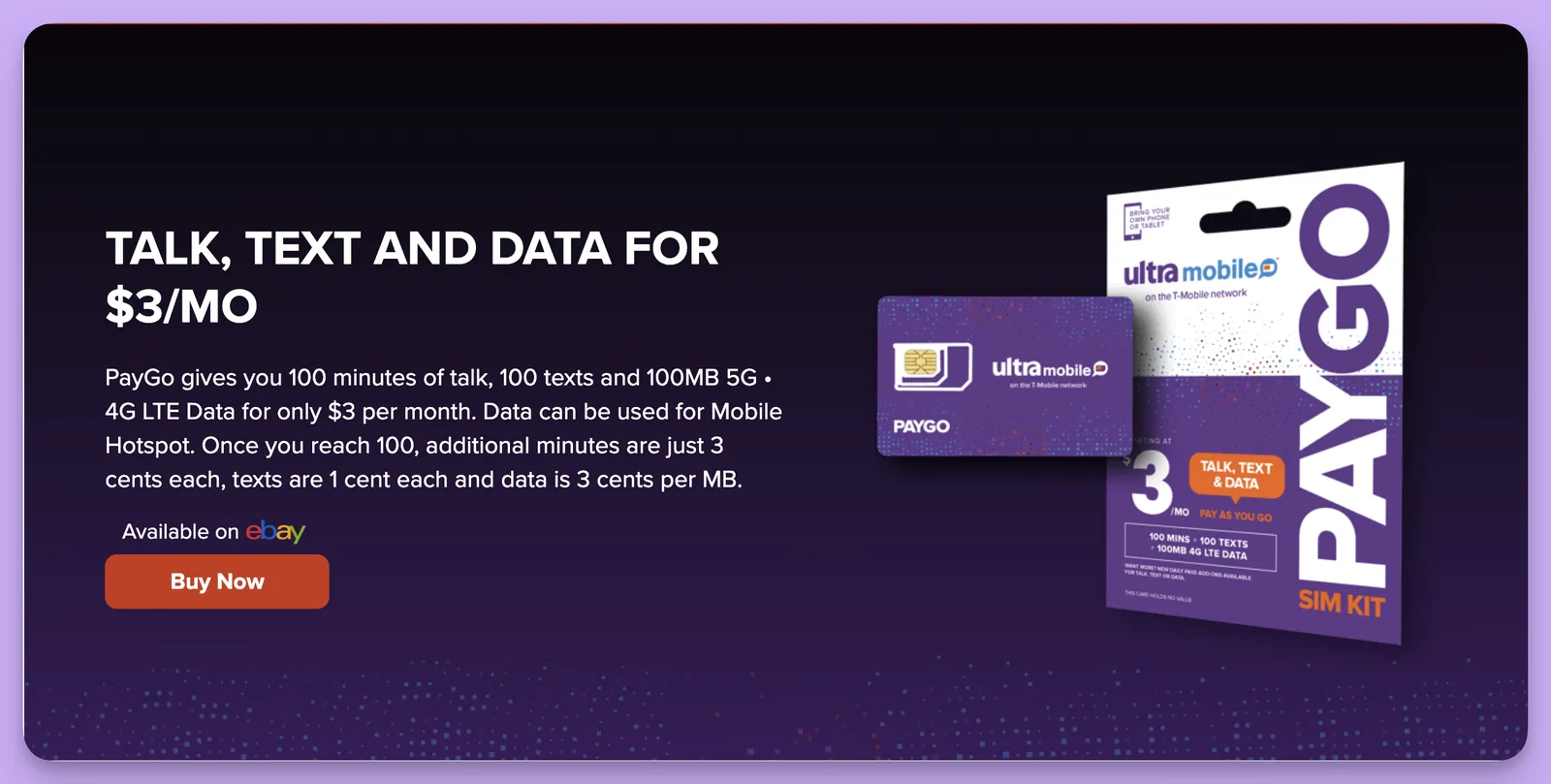
Many people who want a US number in China for verification codes start with the purple PayGo SIM. It is the PayGo plan card, $3 a month, on the T-Mobile network.
On this page
At the point of ordering, though, there is more to ask than price. A US SIM has no signal in China, so texts depend on Wi-Fi Calling. A phone with one slot has to hold two SIMs. And eSIM and physical SIM differ, and someone has to pay the monthly fee later. This guide answers those questions in order.
Start with the country your platform wants
Before you pick a SIM, find out which country's phone numbers the platform you want to sign up for accepts. If you want to use ChatGPT, for example, you cannot buy a Hong Kong SIM.
If the platform only takes US numbers, choose a US SIM, such as the PayGo SIM, the T-Mobile native SIM or the ENC SIM. If it takes UK numbers, or you need codes from a UK bank or service, choose giffgaff.
Once the country is settled, half the choices are gone.
No signal in China: how a US SIM receives texts
As we all know, a US SIM in a phone in China has no mobile signal and no data. That is why the PayGo plan has no data roaming, and the T-Mobile native SIM has no roaming in China either.
In other words, texts and calls go over Wi-Fi Calling. You only need to connect the phone to stable Wi-Fi and turn on Wi-Fi Calling, and once the status bar shows Wi-Fi Calling, it is working.
Two things are easy to miss here.
First, switch cellular roaming off. If a PayGo SIM roams on a cellular network in China, the official rates are $3.59 a minute for calls, $0.10 to receive a text and $0.50 to send one. On Wi-Fi Calling alone you never meet these charges.
Second, the phone model itself has to support it. For an iPhone, check the model and iOS version, and our support team helps you set it up. For Android, including overseas and Korean models, check whether the firmware includes Wi-Fi Calling. Phones sold in mainland China need checking first.
How to fit two SIMs in one phone
Many people have one phone and still need their Chinese number for WeChat and bank texts, so look at the SIM slots first.
If the phone supports eSIM, keep the Chinese SIM in the physical slot and put the US line on eSIM. To check, dial *#06# and look for an EID.
If the phone has two physical slots, both SIMs fit at the same time. For a mainland dual-SIM phone, confirm what the second slot supports.
If the phone has one slot and no eSIM, the US SIM takes the only slot and the Chinese SIM has to come out. Your Chinese number then receives nothing, so keep that SIM in another phone, or skip this kind of card.
The three SIMs side by side
The table below follows our product pages as of 16 November 2026. Prices and stock change, so check the product page before ordering.
| Item | PayGo eSIM | T-Mobile native SIM | giffgaff |
|---|---|---|---|
| Number | US +1 | US +1 | UK +44 |
| Status | In stock, very few left | In stock, ships within 24 hours on working days | In stock, ships within 24 hours on working days |
| Activation | After delivery, contact support; the number is assigned by email | After delivery, support helps you activate it with your own email | You activate on the giffgaff site or app; the self-service SIM comes with a Chinese guide |
| Receiving texts in China | Wi-Fi Calling | Wi-Fi Calling | Cellular, on China roaming |
| Keeping the number | $3 taken from the wallet every 30 days; cancelled 60 days after the last payment | Renew monthly from month two; the number sits under T-Mobile | At least one qualifying activity every 6 months |
PayGo SIM
The monthly fee is low, about $37 a year, which suits a number used only for codes and keeping the line.
Renewal works through a wallet. You log in to your Ultra account and top up the wallet with a credit or debit card, or turn on Auto Renew for $5, $10 or $20 at a time. The wallet holds up to $150. $3 is taken every 30 days. If the balance runs out the line is suspended, and if no payment is made 60 days after the last one, the number is cancelled and cannot be recovered.
So think about two things before buying PayGo. Do you have a bank card that can pay in US dollars online, and whether the payment goes through depends on the issuing bank. And will you remember to check the balance now and then. If both are fine, the PayGo eSIM is in stock now, so the PayGo SIM is a good choice. See the Ultra Mobile PayGo SIM page for details.
US T-Mobile native SIM
The number sits directly under T-Mobile and the SIM is not from a reseller channel. The price includes the first month on the $15 plan. After it arrives, you give support your usual email, the state you want and a 5-digit ZIP, and support helps activate it. The number comes from the carrier's pool according to your preference, and you cannot choose the last digits.
From month two you renew monthly, and the monthly fee is higher than PayGo. That is the cost. In return it is in stock, ships from China, and support helps you activate it. If the number matters and you want codes to keep arriving, keep renewing monthly and do not let the account lapse. See the US T-Mobile native SIM page for details.
The product page also describes a low-cost way to keep the number by letting the account drop to $3-a-month PAYGO. That is a field result, not an official promise, and while the line is suspended bank and social codes do not arrive. Do not use it on a number you depend on.
giffgaff
giffgaff gives you a UK +44 number. Its strength is that the phone can receive texts directly on a cellular network in China, without Wi-Fi Calling. For the China roaming rates, go by the China roaming page on giffgaff's own site.
To keep the number, there must be at least one qualifying activity every 6 months, such as a paid text, an outgoing call, mobile data use or a top-up. Receiving texts alone does not count.
So giffgaff suits receiving codes and keeping a number, and does not suit a main line used in China for the long term. Do not keep much balance on it, and add a backup way to sign in to the account.
The difference at purchase is the first top-up. The giffgaff self-service SIM needs you to pay the first top-up yourself, with an overseas bank card or a £10 official voucher, and Visa cards issued in China often fail.
If you have neither, choose the giffgaff Worry-free SIM, which already includes a £10 voucher and lets you ask support about activation and top-up. If you already have a SIM and only need credit, buy the £10 official voucher on its own, and the code appears on your order page after payment.
Choose by your situation
If the platform wants a US number, you want a low monthly fee and you will top up the wallet yourself, choose the PayGo SIM.
If the platform wants a US number, your phone can use Wi-Fi Calling and you want to start today, choose the T-Mobile native SIM.
If the platform wants a UK number, or you want to receive texts on a cellular network in China, choose giffgaff. Without an overseas bank card, choose the Worry-free SIM.
If your phone is a mainland Android model, or you are not sure Wi-Fi Calling works on it, email support and ask before ordering. If the number you need is a UK one, giffgaff does not depend on Wi-Fi Calling, so you can skip this check.
How to confirm it worked after ordering
When a US SIM arrives, do not insert it and try to activate it again and again, because repeated attempts can trigger the carrier's risk checks. Email support@larksim.com with your order number and wait for support to help you open the line.
Once the line is open, connect to stable Wi-Fi, turn on Wi-Fi Calling and wait until the status bar shows Wi-Fi Calling. Send yourself a text, then ask the platform you need for a test code. Only when both arrive should you link the number to an important account.
If nothing arrives, check that cellular roaming is off and try another network. If it still does not arrive, do not link any important account yet, and send support your order number and a screenshot of the problem.
After activating giffgaff, check the balance in the app and note the activation date. After each qualifying activity, confirm in your usage history that it was counted, and set yourself a reminder within six months. That shows the number is working and tells you when the next activity is due.
In short
For a US number, we suggest the US T-Mobile native SIM first: in stock, ships from China, and support helps you activate it. If the platform wants a UK number, or you want your phone to receive texts directly on a cellular network in China, look at giffgaff. We also sell the PayGo SIM: the PayGo eSIM is in stock and the physical PayGo SIM is sold out.
Real UK +44 number · Ships from China · Chinese setup guides
giffgaff UK physical SIM
Register and manage a real UK mobile number yourself, shipped from local stock in China. The self-service SIM suits people who already have a way to top up; the worry-free SIM includes an official £10 top-up voucher.