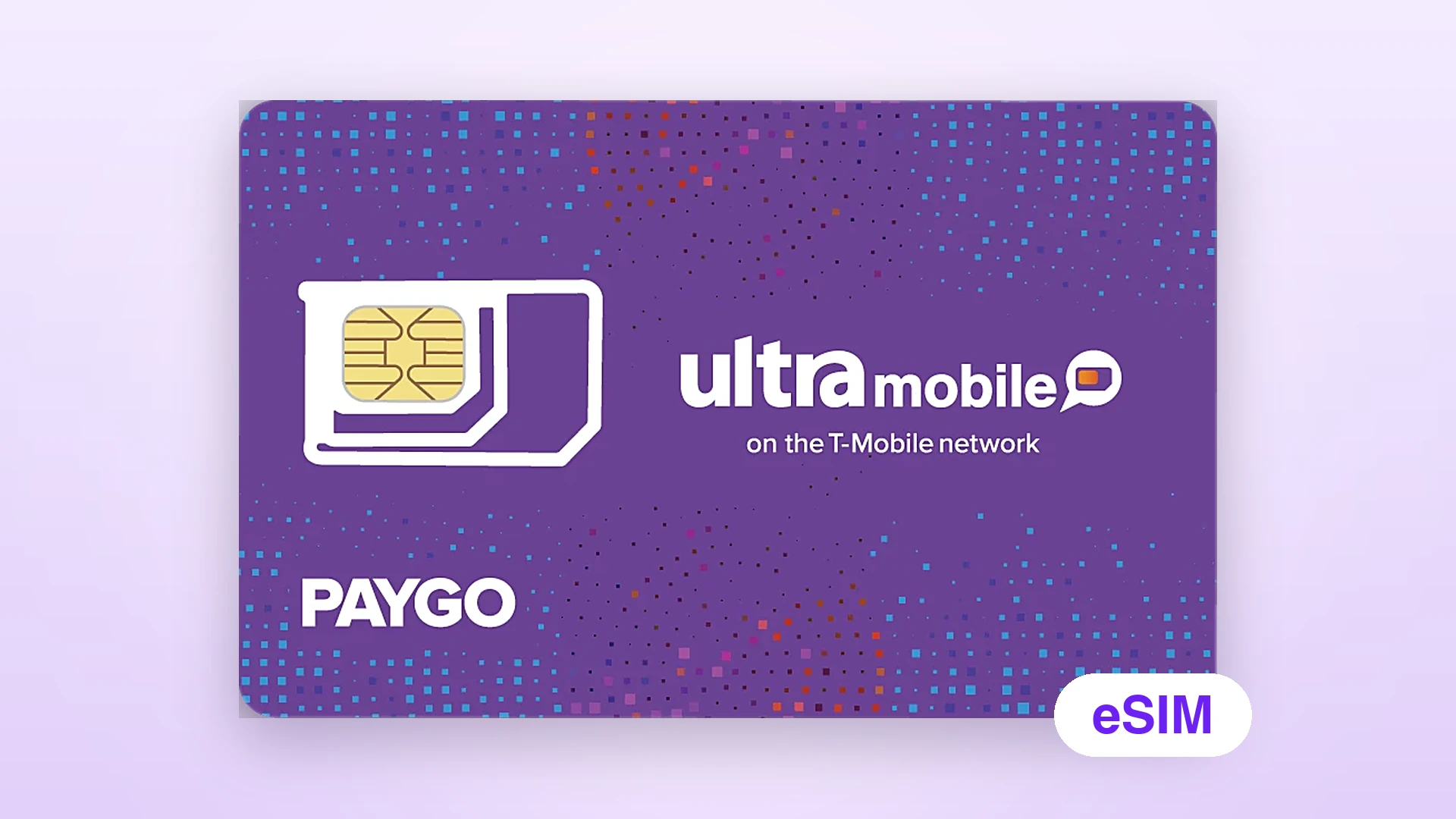
Ultra Mobile PayGo eSIM (US)🔥
 Sold out
- eSIM by email
- $3/month
- No ID
Sold out
¥389/ item
The eSIM version of the Ultra Mobile PayGo SIM: $3 a month, no shipping, scan to install on an eSIM phone and keep a US +1 number long term in China.
The eSIM is out of stock and we do not have a restock date yet. Email us to be notified, or see the US SIMs in stock below if you need a number now.
- US +1 number on the T-Mobile network.
- $3 a month: 100 minutes, 100 texts and 100MB of data.
- No ID registration; in China, use Wi-Fi Calling to receive texts.
- Includes activation by us and the first month at $3; nothing is shipped, the install QR code is emailed.
At a glance
What this SIM can and cannot do
This is the eSIM version of the Ultra Mobile PayGo SIM on the T-Mobile network, at $3 a month. The price includes activation by us and the first month's $3 base fee. Nothing is shipped: after payment our support activates the number and pays the first month, then emails the eSIM install QR code to your order email. Scan it on an eSIM-capable phone and you are ready.
Network and number
T-Mobile network · US +1
Run by Ultra Mobile; eSIM, nothing shipped
Included
Activation + first month at $3
First month: 100 min + 100 texts + 100MB
Delivery
Activated by us, then QR code by email
Support activates and sends it after payment; no address needed
Monthly after that
$3 / month
Renew yourself or have us top up for you
Overage
Calls $0.03/min
Texts $0.01 each, data $0.03/MB
Use in China
Wi-Fi Calling
No mobile data in China; turn off roaming
ID
No ID needed
Activation asks only for a US ZIP code and email
Cancellation
After 60 days unpaid
Counted from the last payment; cannot be recovered
Can do
- Receive SMS codes from ChatGPT, Apple ID, Telegram and other platforms
- Send and receive US texts and make US calls over Wi-Fi
- Keep the number for $3 a month, about $36–37/year in carrier fees from year two (plus upfront card price in year one and any top-up tax)
- Call 200+ international destinations with your PayGo wallet balance
- Skip delivery and scan it onto an eSIM-capable phone
Cannot do
- Use mobile signal or data in China (PayGo has no data roaming)
- Choose or change the number
- Switch to another Ultra monthly plan
- Guarantee codes from every platform (depends on platform rules and your network)
- Install on a phone that is locked or does not support eSIM
Official rates
As of November 6, 2026, from Ultra Mobile's PayGo and international roaming pages. Ultra's site and your account charges prevail.
| Item | Price |
|---|---|
| Monthly fee | $3 / 30 days100 minutes, 100 texts / MMS, 100MB data |
| Extra minutes | $0.03 / minChecking voicemail uses minutes |
| Extra texts / MMS | $0.01 each |
| Extra data | $0.03 / MBOr data passes: 1 day 500MB $5, 7 days 1GB $10 |
| Unlimited talk & text pass | 1 day $2, 7 days $10 |
| Cellular roaming calls in China | $3.59 / minTurn off roaming and use Wi-Fi Calling only |
| Cellular roaming texts in China | Send $0.50, receive $0.10MMS $0.25 each |
| Data roaming | Not supported |
Included minutes and texts reset at the end of each 30-day cycle and do not roll over.
US purple eSIM: read before orderingShowHide
- Activation included: The price includes activation by us. After payment, our support activates the number and pays the first month; the install QR code only exists after activation. You do not need to, and should not, activate anything yourself: doing it across borders can trigger the carrier's risk checks and lock the number.
- Phone: Your phone must support eSIM and be unlocked: an overseas or Hong Kong iPhone XS / XR or later with Wi-Fi Calling, or an overseas Android phone with eSIM, T-Mobile bands and Wi-Fi Calling. Mainland-China iPhones cannot install the PayGo eSIM directly, but can use it with XeSIM X7: put X7 in the second SIM slot and scan the PayGo eSIM QR code in its app, alongside your Chinese number. X7 is sold separately by XeSIM; get it and connect it in the app before ordering, as the PayGo eSIM QR code usually installs only once (how it works). Most mainland-China Android phones cannot install the PayGo eSIM; email us before ordering if unsure.
- One-time QR code: An eSIM install QR code can usually be used only once. After installing, do not delete the eSIM from your phone or share the code; email support before changing phones.
- No guarantees: Using an overseas number in China is affected by carrier policy, your network, phone compatibility and platform risk checks. We cannot guarantee that every platform's codes will arrive or that the number stays usable long term.
- No refunds: eSIM orders cannot be refunded or cancelled after payment, including when the phone does not support eSIM or the eSIM fails to install or is deleted. Check the phone requirements before ordering.
- After delivery: Delivery is complete once we activate the line and email the install QR code. After that, bans, suspension or restrictions caused by carrier risk checks, policy changes or account reviews are not refunded or replaced and are outside after-sales support.
- Ongoing help: If you run into carrier risk checks, policy changes or network problems, email support@larksim.com. We will do our best to help troubleshoot, but cannot guarantee the line can be restored.
- Everyday use: No mobile signal in China is normal; join Wi-Fi and turn on Wi-Fi Calling to text. Use a clean, stable network, not public proxies or data-center IPs, and use the number mainly for codes and keeping it, avoiding frequent outgoing calls or bulk texts.
- Keeping the number: $3 is deducted from your wallet every 30 days; without enough balance the line is suspended, and 60 days after the last payment the account and number are cancelled.
Please order only after accepting the terms above. Thank you.
Use it only for accounts you personally own. Bulk registration or any unlawful use is not allowed.
Read the full refund policyAfter you receive itShowHide
- 1We activate it
After payment, we activate the line and pay the first month's $3; you do nothing. The number's area follows the US ZIP code used at activation; to ask for an area, email support@larksim.com after payment. - 2Check your email for the QR code
Once activated, support emails the eSIM install QR code to your order email. Check your spam folder too. - 3Scan to install the eSIM
On Wi-Fi, iPhone: Settings → Cellular → Add eSIM → Use QR Code, then scan the code from the email. Stay online while it installs, and do not delete the eSIM afterwards. - 4Turn on Wi-Fi Calling
Settings → Cellular → this eSIM → Wi-Fi Calling. Turn it on and enter a US emergency (E911) address. When the status bar shows Wi-Fi Calling, you are ready. - 5Turn off cellular roaming
Settings → Cellular: turn off roaming for this eSIM so you are not charged $3.59 a minute in roaming fees.
After activation, send yourself a text and request a test code before linking important accounts.
Renewal and keeping the numberShowHide
- checkThe price includes the first month's $3; from month two it is $3 a month, and you can renew yourself or have our support top up for you.
- checkPayGo uses a wallet: $3 is deducted every 30 days, and the line is suspended if the deduction fails.
- checkTop up at my.ultramobile.com with a credit or debit card, or turn on Auto Renew for $5, $10 or $20 each time.
- checkOnly PayGo-specific recharge cards work; recharge cards for other Ultra plans do not.
- checkThe wallet holds up to $150, so you can prepay several months at once.
- checkIf no payment is made 60 days after the last one, the account and number are cancelled and cannot be recovered.
- checkCarrier fee from year two: $3 × about 12 cycles ≈ $36–37/year (plus the upfront card price in year one and any top-up tax).
FAQ
How is the eSIM different from the physical purple SIM?
The plan, monthly fee, number and renewal are the same. Only delivery differs: the eSIM ships nothing and the install QR code is emailed after payment, while the physical SIM is posted and works on phones without eSIM.
What does the price include?
The eSIM, activation by us and the first month's $3 base fee (100 minutes + 100 texts + 100MB). From month two, $3 is deducted from your wallet every 30 days; renew yourself on Ultra's site or have our support top up for you.
Does my phone support eSIM?
On iPhone, open Settings → General → About; if you see an EID, it usually supports eSIM. Mainland-China iPhones cannot install the PayGo eSIM directly, but can use it with the XeSIM X7 Bluetooth eSIM card in the SIM slot. Android depends on the model; overseas versions often do. Email support before ordering if unsure.
How soon do I get the QR code?
Support sends the install QR code to your order email as soon as possible, and the order page shows progress. If it is taking long, check spam and then email support.
Do I need ID?
No. Activation asks only for a US ZIP code and an email address.
Can I receive codes in China?
Yes. With Wi-Fi Calling on, texts to the US number arrive normally. Some platforms may refuse to send a code because of your IP or their own risk checks; that is unrelated to the SIM.
How long until I lose the number?
Ultra's rule is that the account and number are cancelled if no payment is made 60 days after the last one. Some sites say 90 days; go by the official 60.
Do texts cost money?
Over Wi-Fi Calling, texts count toward the 100 included each month and cost $0.01 each after that. On cellular roaming in China, receiving costs $0.10 and sending $0.50, so keep roaming off.
How do I choose between your US SIMs?
For the cheapest way to keep a number and receive codes, choose this SIM at $3 a month, renewed by you or by our support. For a carrier-native T-Mobile number, choose the T-Mobile prepaid SIM. If you would rather have support renew it for you, choose the US T-Mobile SIM (ENC).
Other US SIMs
Questions before you order?
Email us, and include your order number if you have already ordered.
mailsupport@larksim.com