What to Prepare Before Activating an eSIM
Hi, I’m Little Lark. Today, let’s keep talking about overseas SIMs 😊
On this page
1. What to Prepare Before Activating an eSIM
The easiest activation problems to prevent occur before the scan. Keep your current number working, verify the phone and delivery code, use stable Wi-Fi, and understand who activates the new number. Installation is complete only after the new line and an ordinary text message both work.
Ultra Mobile's general activation checklist mentions keeping current service, preparing a compatible unlocked phone, gathering transfer information, and connecting to Wi-Fi. LarkSIM's assisted PayGo order has its own sequence, so these points need to be applied to the exact product.
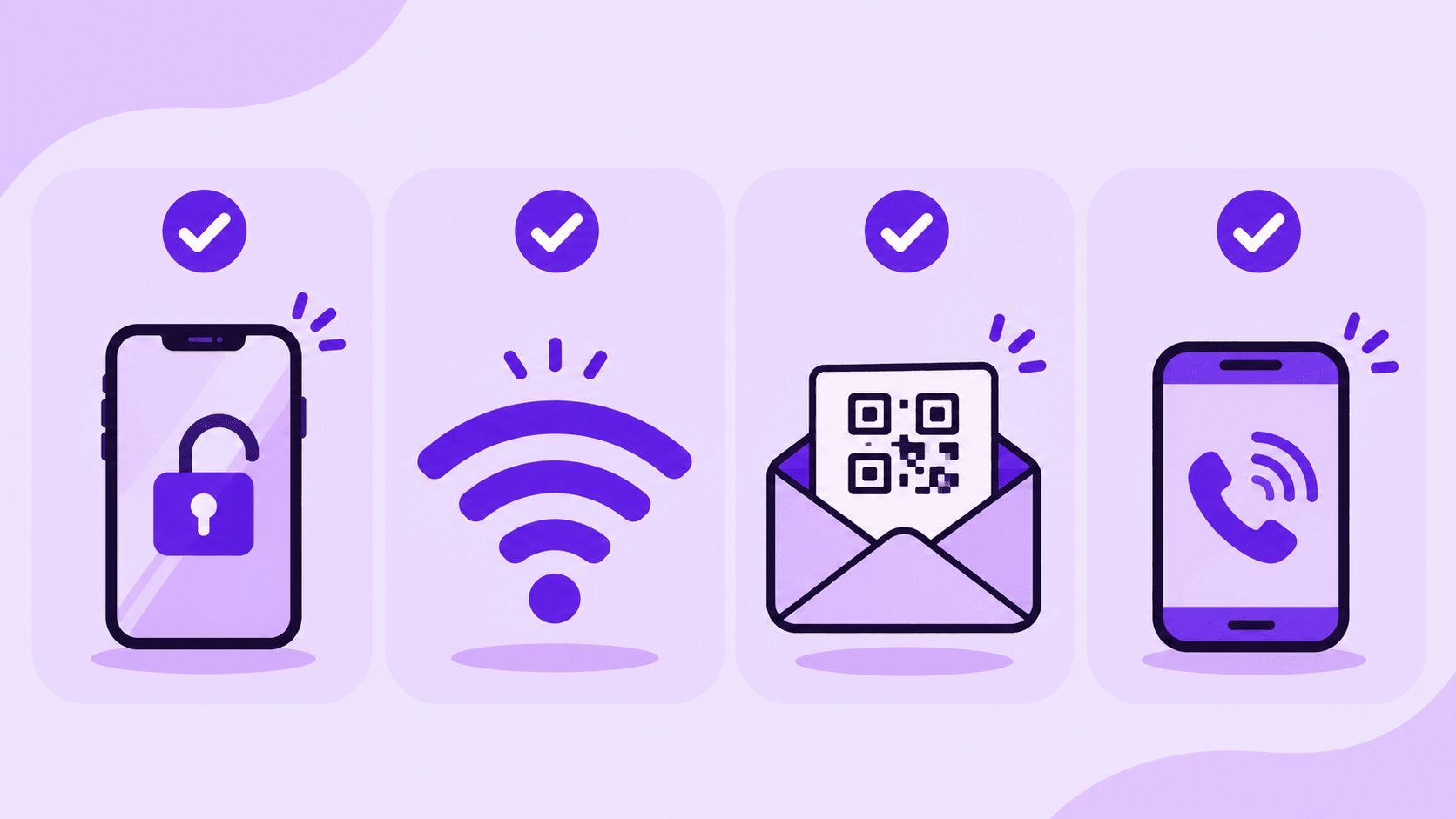
Keep the Old Line Available
If you are adding a US number, keep your domestic main number active for banking, payments, and contacts. Many phones can manage a physical SIM alongside an eSIM, though the number of simultaneously active lines depends on the device.
If you are genuinely porting a number from another US carrier, keep that old service active until the port completes. The former carrier may require an account number, transfer PIN, and billing ZIP code. Those details belong to a porting request. A normal purchase of a new PayGo number does not require a transfer PIN just to install a QR code, and LarkSIM's current PayGo eSIM page does not promise a port-in service.
2. Match the Phone to the QR Code
Check the exact model, sales region, EID, and Add eSIM option. If the phone is carrier locked, unlock it first. An iPhone XS, XS Max, XR, or newer is the general starting point, but China-market variants have separate rules; Android support varies by brand and region. Apple sets separate rules for mainland-China iPhones. Android menus differ between Pixel, Samsung, and other brands. Confirm that the phone is unlocked. A China-market iPhone using the XeSIM X7 route writes the profile to a physical carrier device, which is a different procedure from scanning directly on an eSIM-enabled iPhone.
Check the order email and make sure the code matches your own order. Show it on a second screen if possible. If only one phone is available, check whether the device can import the QR image from email or photos. Keep the QR code private. Do not forward it or upload it to an unknown scanner. Plan the installation for a time when the old line and Wi-Fi are stable; if the download stops midway, the exact error screen helps the issuer determine whether the code was consumed. Record the phone model, software version, and order number so support can understand any error. Allow enough time for installation and do not begin while the old service is about to expire.
3. Follow the Product’s Assisted Activation Sequence
As checked on November 19, 2026, the LarkSIM Ultra Mobile PayGo eSIM page said support activates the US number and funds the first $3 month before sending the installation code to the order email. The customer installs the profile on a compatible phone after delivery. Do not treat a generic self-activation page as a second required step for this assisted order. A visible line still requires an ordinary SMS test. Do not repeat Ultra's self-service account activation for an assisted LarkSIM order.
4. Why Order Through LarkSIM?
The page showed a ¥389 price, out-of-stock status, and no firm replenishment date. The purchase includes assisted activation and the first month. Further base renewals cost $3 every 30 days, equivalent to $36 over 12 additional cycles before extra usage. While stock is unavailable, register for an email notice or review the US number selection guide.
LarkSIM’s service value is the order of operations: support handles the US ZIP code, number activation, and first payment, then emails the installation code. The customer checks the device, installs the profile, and verifies service.
The purchase price covers the first base month only. Renew the number under the carrier’s rules rather than assuming it stays free indefinitely. An eSIM profile can be removed from a phone without cancelling the account.
Assisted activation does not replace a phone compatibility check or guarantee verification codes from every platform. Read the product's refund and renewal conditions before buying. If the device cannot install the eSIM, choose a compatible physical-SIM route or verify the X7 slot requirements before ordering.
5. How to Know Installation Worked
Seeing a new line in the phone is the first checkpoint. Compare its number with the support email, keep it enabled, and leave your domestic SIM as the normal data line in mainland China. Enable Wi-Fi Calling for the US number where supported, then send a regular text from another number.
When the regular text arrives, test the specific service you need and record the next renewal date. If it does not arrive, check Wi-Fi, the line setting, and support's activation status. If the code shows an error or has already been used, save the screen and stop repeated attempts. Do not delete a profile in the hope that the same code will reinstall it.
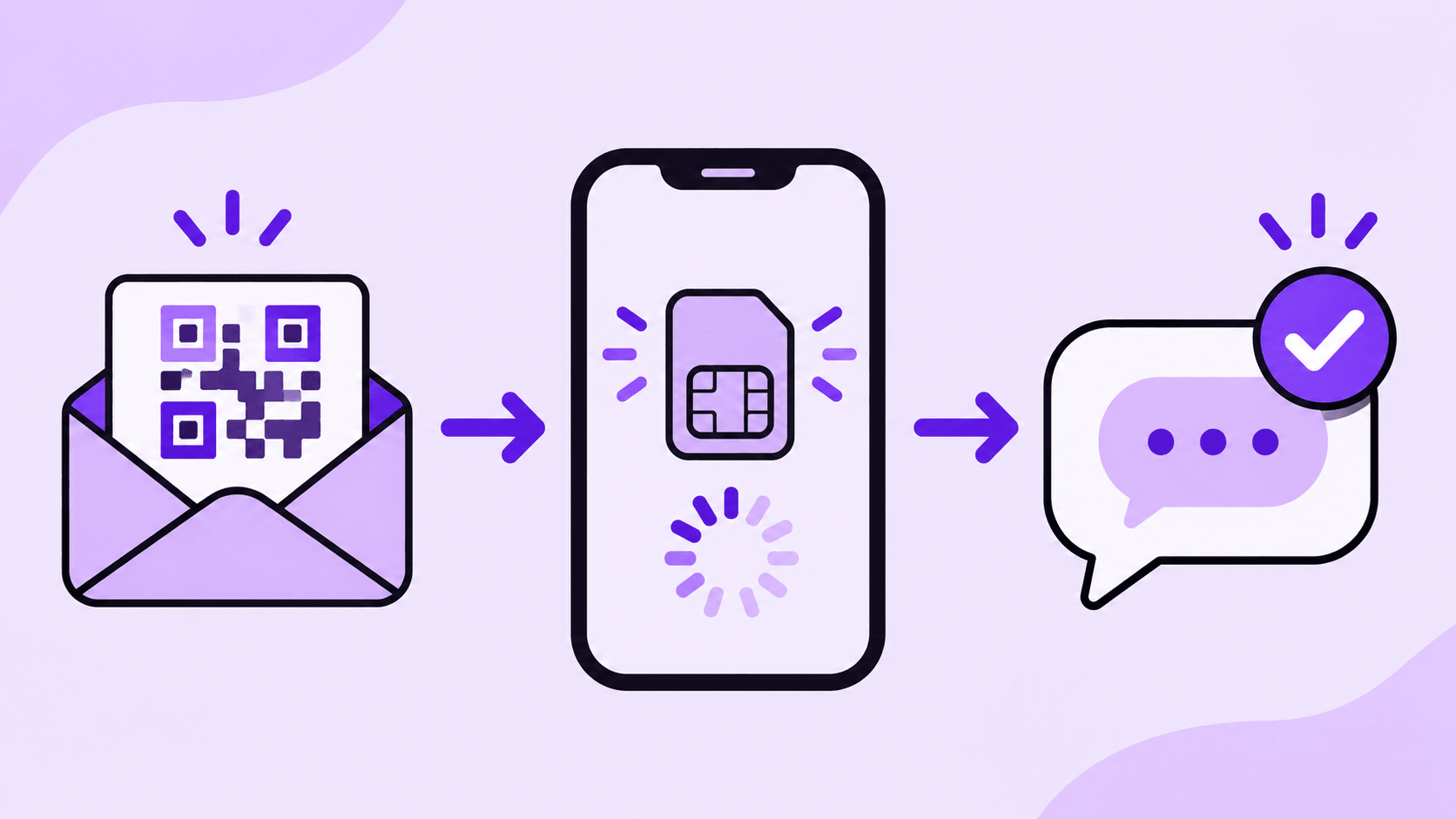
Once calls and ordinary texts work, keep the order email, assigned number, and next renewal date somewhere recoverable. Before changing or resetting the phone, confirm the carrier’s eSIM recovery procedure.
Anyone porting an existing number should wait for the new carrier to confirm the port and should test calls and texts before cancelling the former service. Anyone simply adding a second number should leave the original line on its normal schedule. These checks show when the job is finished and when to ask the issuer for help.
Real UK +44 number · Ships from China · Chinese setup guides
giffgaff UK physical SIM
Register and manage a real UK mobile number yourself, shipped from local stock in China. The self-service SIM suits people who already have a way to top up; the worry-free SIM includes an official £10 top-up voucher.