Cursor asking for a phone verification code? First identify which check it is (2026)
Many people now run into phone verification when signing up for Cursor, and the advice online is confusing. Some say you need a foreign number, some say an Indian number, and others say no phone number is needed at all. These are three different situations. Work out which one you are in before preparing a number.
On this page
Case 1: Normal sign-up with email or a third-party account
The Cursor sign-up page offers email sign-up and Google, GitHub and Apple sign-in. In most cases, following the page is enough and no phone number is needed.
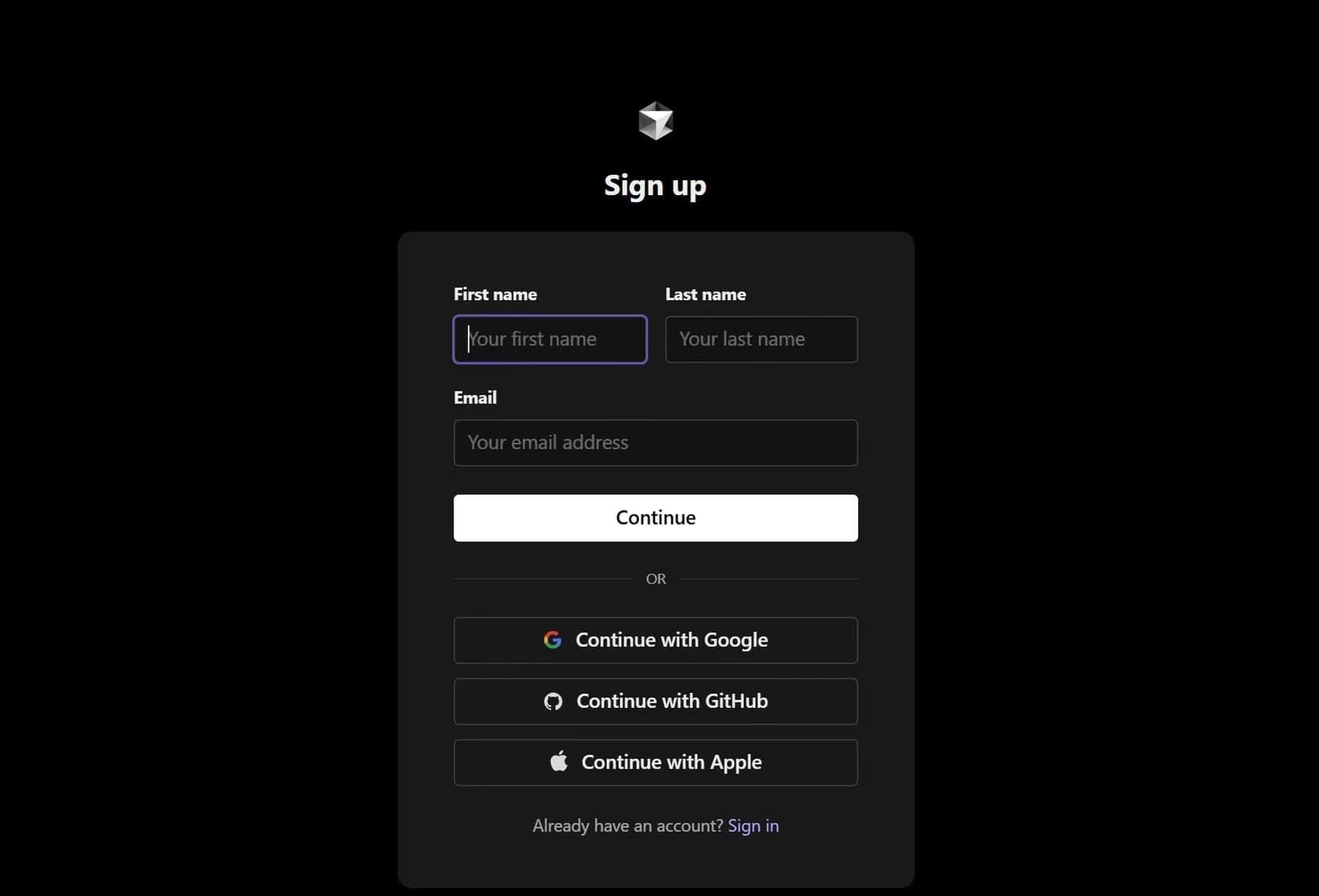
Do not keep creating new accounts to avoid verification. Repeated sign-ups are more likely to trigger risk checks.
Case 2: An SMS check appears during sign-up
Some users are asked for a phone number during sign-up, but not everyone sees this step. On the official Cursor forum, one user who signed up with Google reached the SMS page and got "Error sending SMS challenge". After Cursor adjusted its configuration, the same user could sign in without phone verification.
If you see this check, the safest choice is a real mobile number in your own name that you can keep long term.
Whether a code arrives depends on Cursor's verification rules at the time, the SMS route and account risk checks. Our test shows the route works, but it cannot guarantee success for every person every time.
Preparing giffgaff
- 1
Activate and confirm the number
- 2
Turn off mobile data
Outside the UK, turn off mobile data and data roaming for this SIM so background data does not use your credit. Receiving texts in China is free. - 3
Test an ordinary text
Ask someone to send the number an ordinary text and confirm it arrives before trying Cursor. - 4
Keep the number active
giffgaff has no fixed monthly fee, but the number needs at least one qualifying action every 6 months (a call, a text, mobile data or a top-up). Receiving texts alone does not count. Do not let a number linked to your Cursor account lapse.
See the giffgaff keep-number guide for details.
Entering the number on Cursor
On Cursor's official page, choose +44 (United Kingdom) and drop the leading 0. For example, 07xxx xxxxxx becomes 7xxx xxxxxx.
Wait for the text after submitting, and do not keep pressing resend. Never forward the code to anyone.
Case 3: Cursor Start requires an Indian number
If the page asks for an Indian phone number, the situation is different.
According to Cursor's official Cursor Start page, the plan is only for developers in India and requires Indian phone verification when subscribing. If you pay with a non-Indian card, you may be asked to verify an Indian number before the plan activates.
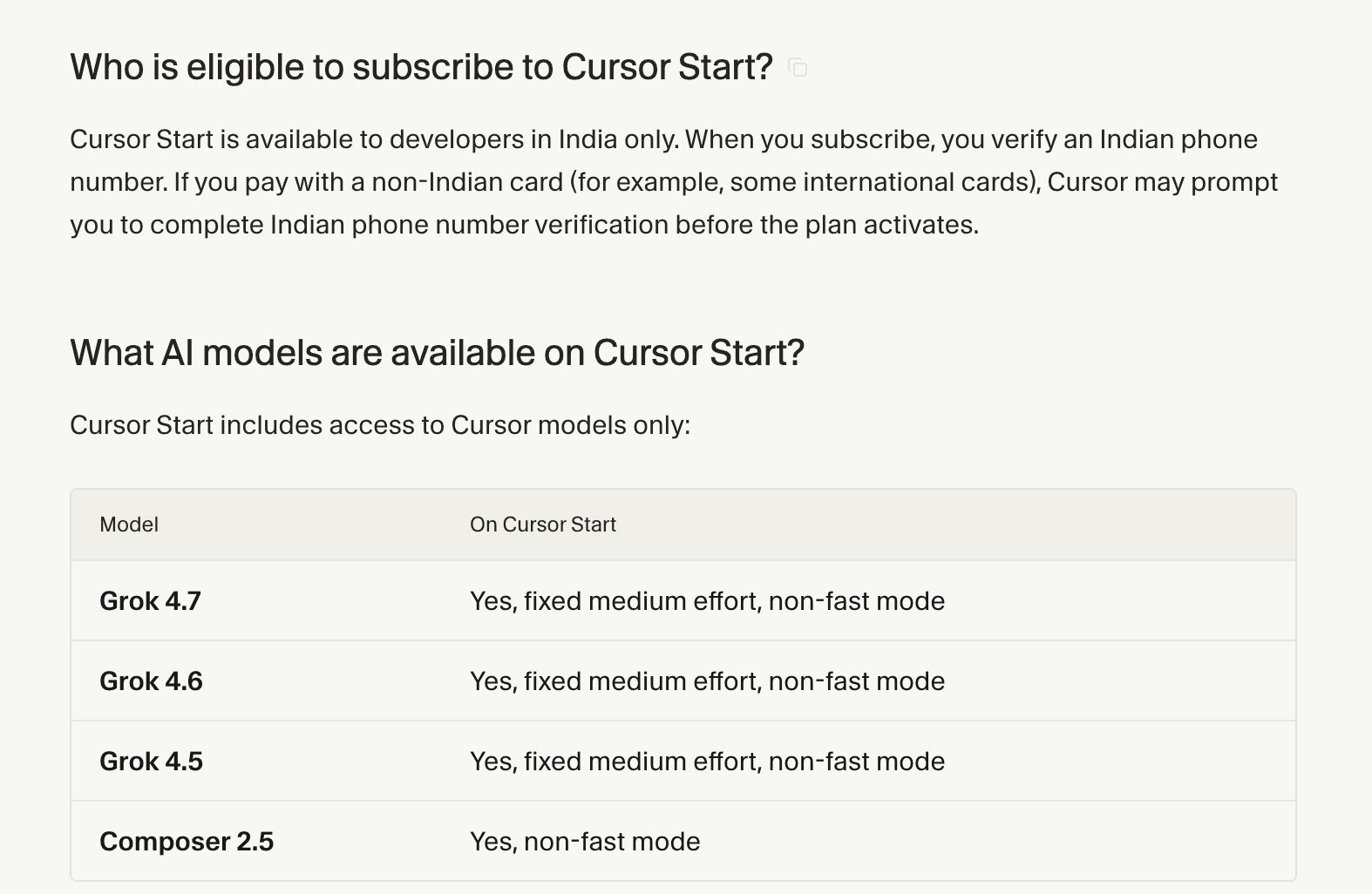
This is a regional eligibility rule. A UK or US number will not solve it. If you are not in India, choose another Cursor plan instead of looking for an Indian number.
Troubleshooting
- check_circleOrdinary texts do not arrive either: check the giffgaff SIM, signal, roaming and network selection, then request one new code.
- check_circleOrdinary texts work but Cursor's code does not arrive, or the number is rejected: save the full error message, page and browser details, and contact Cursor support.
- check_circleDo not use SMS-receiving websites, shared numbers or someone else's number. They can stop working at any time and may leave your account unrecoverable.
Summary
- check_circleNormal sign-up: use email or a third-party account. Usually no phone number is needed.
- check_circleSMS check during sign-up: use a real number in your own name. In our October 2026 test in mainland China, a giffgaff UK number received a Cursor code, so it is an option.
- check_circleIndian number required: this is a Cursor Start regional rule and another country's number will not solve it.